
Captions AI: review, pricing and alternatives
What is Captions AI?
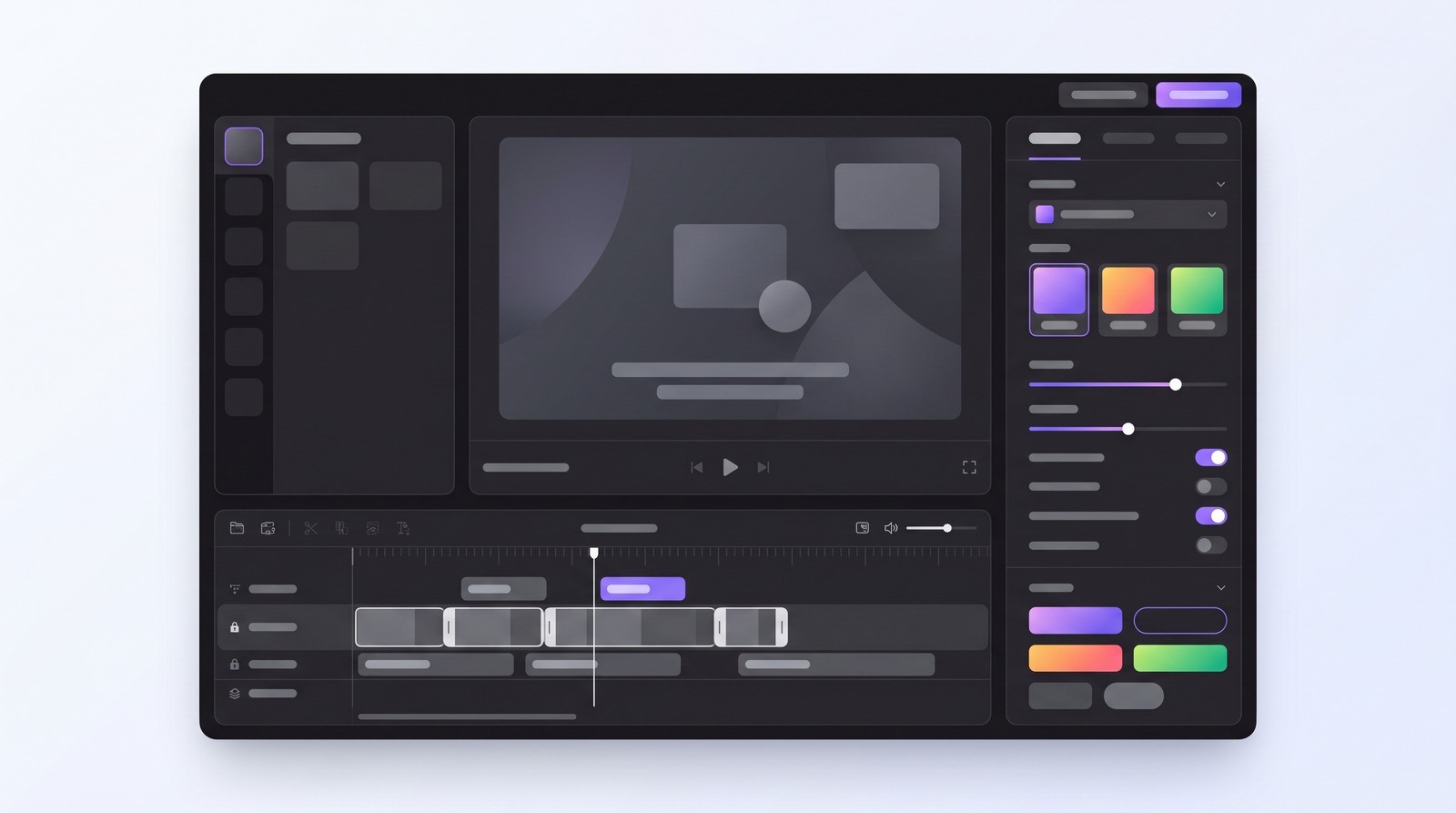
When I first heard about Captions AI, I was intrigued. As an AI video editor specifically designed for content creators, it promised to take a lot of the tedious work out of producing engaging social media videos. At its core, Captions AI is about automation, particularly for those ubiquitous 'talking head' style videos you see dominating platforms like TikTok, Instagram Reels, and YouTube Shorts. It's not trying to replace a full-fledged professional editor like Adobe Premiere Pro; instead, it aims to be your pocket-sized creative studio, streamlining the process of getting your message out there.
Developed by MIRAGE™, Captions AI positions itself as a tool for individuals, small businesses, and marketers who need to churn out high-quality video content without needing extensive editing skills or time. Its main goal is to automate the most repetitive parts of video creation, from generating accurate subtitles to enhancing visual appeal and even translating your message for a global audience. The idea is simple: you record your video, upload it, and let the AI do the heavy lifting, allowing you to focus more on your message and less on the technicalities.
My initial impression was that it's built to solve a real problem for creators: how to make polished, accessible, and shareable videos quickly. It’s designed to be intuitive, especially for those who are constantly creating content on the go. The promise is that it can transform raw footage into a compelling clip with minimal effort, making video editing accessible to a much broader audience than ever before.
Key Features: AI-Powered Video Editing
What really sets Captions AI apart is its suite of AI-powered editing tools, which go far beyond simple captioning. For starters, the **auto-captions** are a huge draw. It boasts the ability to generate accurate captions in over 100 languages, and not just plain text – you can customize their styles, fonts, and colors to match your brand or video aesthetic. This is a game-changer for accessibility and engagement.
Beyond captions, the **AI dubbing** feature is impressive, allowing you to translate and re-dub your content into 29 languages with just a tap. Imagine recording a video once and having it instantly ready for audiences worldwide. Then there are the subtle but impactful enhancements: **AI eye contact correction** subtly adjusts your gaze so it always appears as if you're looking directly at the camera, even if you weren't. The **AI zoom** automatically adds dynamic camera movements, making static talking head videos feel more engaging and professional. And for those less-than-ideal recording environments, **AI denoise** works to remove background distractions, cleaning up your audio.
For content creation itself, Captions AI integrates a **built-in teleprompter** and even an **AI script writer**, which can help you outline and refine your message before you even start recording. Once recorded, the **auto-trim** feature helps cut out dead air, and an **extensive template library** provides pre-designed caption styles and video formats, making it easy to achieve a polished look without much effort. It's clear that the developers have thought about the entire creation workflow, aiming to provide tools at every step.
How Captions AI Works: Getting Started
Getting started with Captions AI is surprisingly straightforward, especially if you're used to mobile apps. The general workflow is designed for efficiency, minimizing the steps between recording and publishing. Typically, you'd begin by uploading your video footage directly into the app. This could be a pre-recorded clip or something you just shot using your phone's camera.
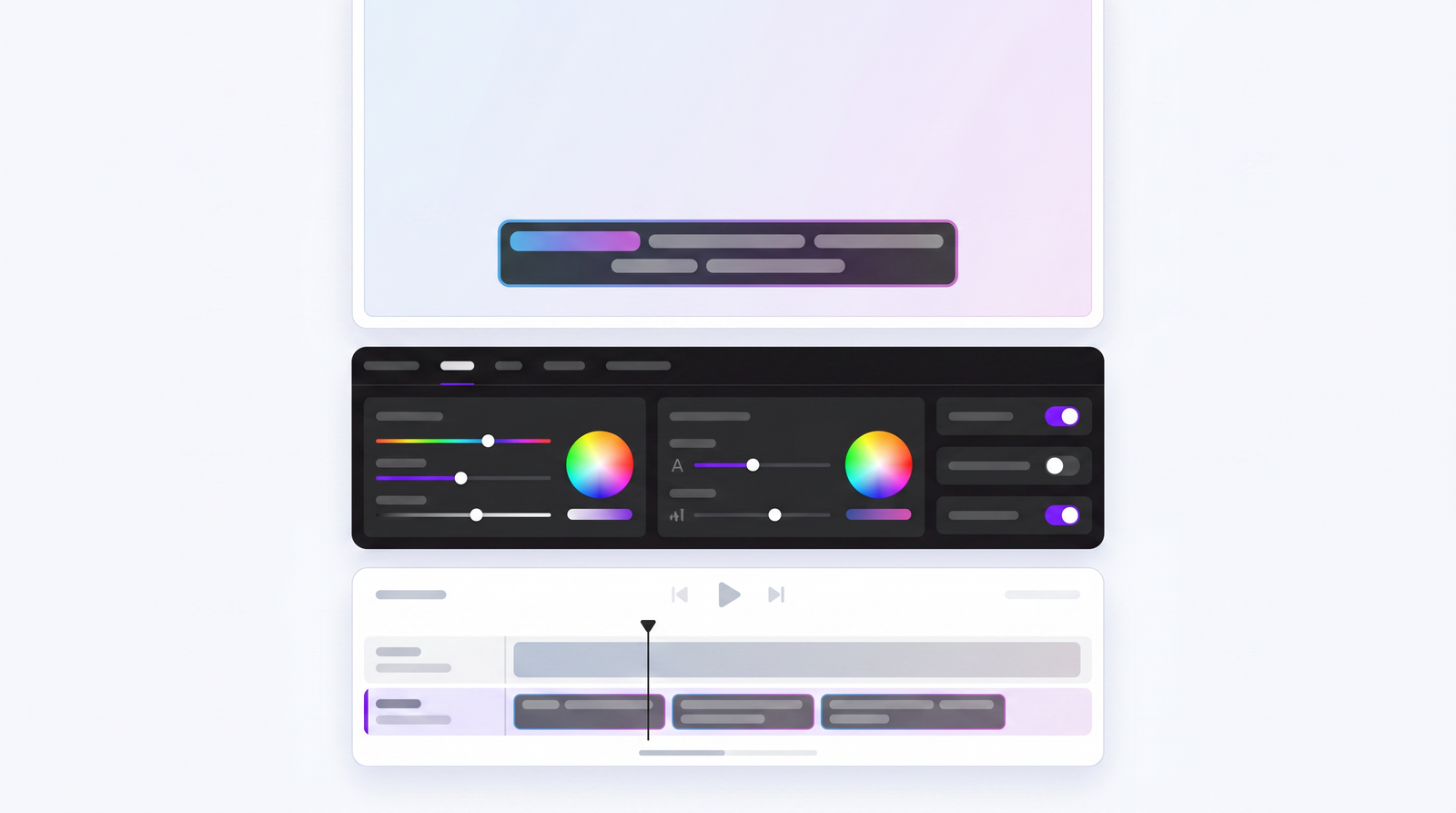
Once your video is uploaded, the AI takes over. This is where the magic happens: it processes your content, generating those accurate captions, analyzing your eye contact, and identifying areas for dynamic zooms or denoising. My experience has been that this initial processing can be quite fast for shorter clips, living up to its promise of quick turnaround times. After the AI has done its initial pass, you're presented with a draft of your video, complete with automatically generated captions and suggested edits.
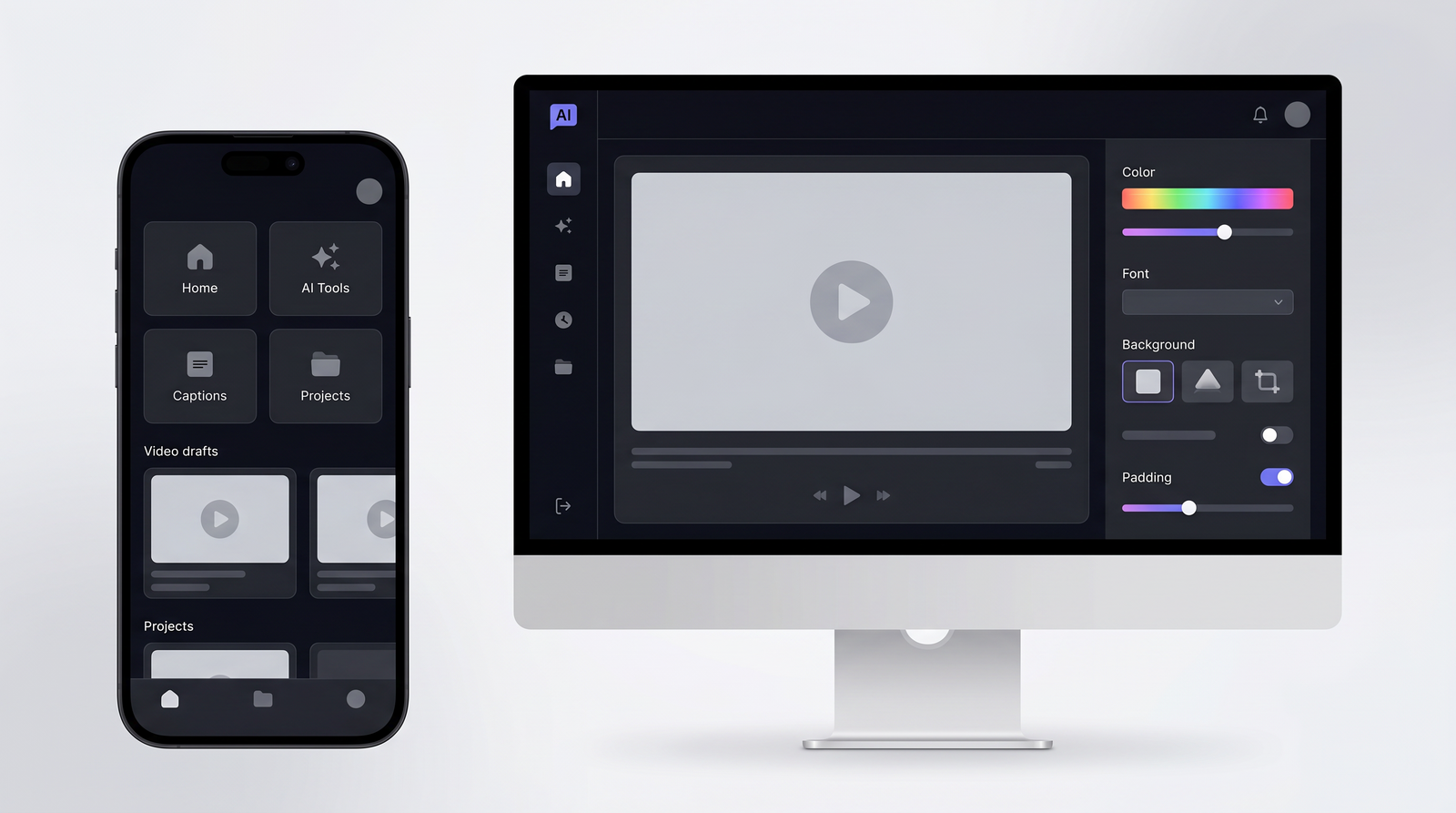
From there, you enter the editing phase where you can customize everything. You can refine the captions for accuracy, tweak their appearance, adjust the AI-generated zooms, or apply different templates from the library. The interface is intuitive, built with a mobile-first philosophy, making it easy to tap, drag, and pinch your way through edits. Finally, once you're happy with the result, you simply export your video, ready to be shared across your social media platforms. While primarily a mobile app, it does offer desktop support through Mirage Studio, which can be handy for batch processing or when you prefer a larger screen for finer adjustments.
Pricing and Plans: Is There a Free Option?
When it comes to pricing, Captions AI operates on a subscription model, which is fairly standard for advanced AI tools these days. While there isn't a completely unrestricted free tier, there is typically a free trial or a limited free version. What I've found, and what many users have reported, is that the free plan often comes with significant limitations. For instance, you might get partial captions for a video, or your video length might be capped, essentially giving you a taste of the functionality but requiring a paid subscription to unlock its full potential. One common complaint is that after an initial period of smooth, full-featured use, the app might start slowing down or restricting features, nudging you towards a paid plan.
The pricing range generally falls between $9.99 and $69.99, depending on the plan and whether you opt for monthly or annual billing. The 'Pro Plan' is often cited at around $9.99 per month, offering a good balance of features for most individual creators. It's crucial to understand that to get access to all the advanced AI features—like full-length captions, comprehensive AI dubbing, and unlimited exports—a paid subscription is pretty much a necessity.
It's also worth noting the distinction between the main Captions app and 'Captions Lite.' Captions Lite, available on platforms like Google Play, is a lighter version with fewer features, designed for quick edits and potentially lower-end phones. While it's great for beginners, it might lack advanced features such as AI dubbing and more sophisticated script tools, which are usually reserved for the full app experience. My advice is to always check the most current pricing and feature breakdown directly on their website or app store listing before committing.
| Plan | Price (Approx.) | Best for |
|---|---|---|
| Free Trial/Limited | $0 | Testing basic features, short clips, partial captions |
| Pro Plan | $9.99/month | Individual creators, social media managers needing core AI features |
| Higher Tiers (Annual/Advanced) | Up to $69.99/month (or annual equivalent) | Professionals, agencies, heavy users requiring all advanced features and priority support |
Pros of Using Captions AI
After spending some time with Captions AI, several benefits consistently stand out. The first, and arguably most compelling, is the sheer speed and accuracy of its **automatic caption generation**. I've uploaded videos and seen accurate, perfectly synced captions appear almost instantly. This alone is a massive time-saver, eliminating hours of manual transcription and timing that used to plague video editing workflows.
Another significant advantage is its **extensive multilingual support**. With captions in over 100 languages and AI dubbing in 29, it truly democratizes content creation for a global audience. This feature alone makes your content far more accessible and helps you reach demographics you might otherwise miss. The **AI automation for common editing tasks**—things like eye contact correction, dynamic zooms, and background noise reduction—also contributes significantly. These are tasks that, when done manually, require skill and time, but Captions AI handles them with remarkable efficiency, making your videos look more polished with minimal effort.
What I also appreciate, and what many users echo, is the responsiveness of their **customer support**. Anytime I've had a question or a minor issue, their team has been quick to respond and genuinely helpful in finding a resolution. This level of support builds confidence in the product. Finally, the app is consistently updated with **frequent feature updates**, showing that the developers are actively working to improve it and add new capabilities. Combined with its strong **accessibility features**, Captions AI truly empowers creators to produce engaging content effortlessly.
Cons and Criticisms
While Captions AI offers some impressive features, my experience, like that of many other users, hasn't been entirely without bumps. One of the most common complaints revolves around **occasional software bugs or slowdowns**. Sometimes, the app works flawlessly, processing videos quickly and accurately. Other times, it can become sluggish, crash unexpectedly, or take an unusually long time to process even short clips. This inconsistency can be frustrating, especially when you're on a tight deadline.
Another point of contention is the **high processing demands** the app can place on your device. While it's convenient to edit on the go, running advanced AI features can drain your phone's battery quickly and sometimes cause older devices to struggle. For creators accustomed to more powerful desktop editors, the **limited creative control** can also be a drawback. While the AI is great at automating, it doesn't offer the granular control over every aspect of the edit that traditional software does. This means you're somewhat constrained by the AI's interpretations and available templates.
There have also been **reported reliability issues**, particularly regarding the consistency of results or the sudden restriction of features after an initial free period, as I mentioned earlier. The **cross-platform experience can sometimes feel a bit clunky**; while there's desktop support via Mirage Studio, the mobile-first design means it doesn't always translate perfectly to a larger screen or a different workflow. And, of course, the need for a **paid subscription to unlock full functionality** after an initial taste can be a point of frustration for users who expected more from the free tier.
Performance and User Experience
In terms of overall performance and user experience, Captions AI presents a mixed bag, yet leans heavily towards being a valuable tool. When it works as intended, the app is incredibly responsive and intuitive. The interface is clean, making it easy to navigate through various features, from uploading your video to applying AI enhancements and exporting. For a mobile-first application packed with advanced AI, its ease of use is definitely a highlight. You don't need to be an experienced editor to start producing polished videos.
However, as with any sophisticated software, especially one relying heavily on AI processing, there are moments where performance can falter. I've personally experienced those mixed reports firsthand: some days, it's lightning-fast, and the AI works seamlessly, delivering stunning results in minutes. Other days, you might encounter slowdowns, processing errors, or unexpected crashes. This inconsistency, while not constant, is something to be aware of. It's not a deal-breaker for me, but it's a reminder that even the smartest AI tools can have their quirks.
Where Captions AI consistently shines, even amidst occasional glitches, is its **customer support**. Many users, myself included, have found their support team to be exceptionally responsive and helpful. Knowing that there's a dedicated team ready to assist with issues or answer questions significantly enhances the overall user experience and provides a safety net when the app doesn't behave as expected. This strong support, coupled with its intuitive design, often outweighs the sporadic performance hiccups for many creators.
Who is Captions AI Best For?
Based on my time with the app and observing its strengths and weaknesses, I can clearly pinpoint the ideal user for Captions AI. This tool is a perfect fit for **individual content creators** who are constantly producing video content for social media. If you're a vlogger, a coach, a personal brand, or anyone who frequently records themselves speaking to the camera, this app is designed with you in mind. It excels at taking 'talking head' style videos and making them pop.
Similarly, **social media managers and marketers** working for small businesses will find immense value in Captions AI. It allows them to quickly generate engaging video content for platforms like TikTok, Instagram Reels, and YouTube Shorts without needing to hire a professional editor or spend hours in complex software. The automation of captions, eye contact correction, and dynamic zooms means they can maintain a consistent, high-quality output with minimal effort.
Essentially, if your primary goal is to create short, impactful videos that feature you speaking, and you prioritize speed and accessibility over exhaustive creative control, then Captions AI is likely for you. It's less suited for narrative filmmaking or complex multi-clip productions and more for the rapid-fire, audience-engaging content that thrives on today's fast-paced social platforms. It's a tool that empowers you to look professional, even if your editing skills are basic.
Captions AI Alternatives
The AI video editing space is getting crowded, and Captions AI definitely has some strong competitors. When I look at alternatives, a few names always come to mind, each with its own focus. **CapCut** is a very popular mobile editor that offers decent auto-captions and styling options, often praised for its user-friendliness and free features. Then there's **Descript**, which is more of a desktop-centric tool known for its incredibly accurate transcription and unique text-based video editing, making it a strong contender for those who prioritize precision and more complex edits.
Other specialized tools like **Submagic** focus intensely on dynamic, animated captions, similar to what Captions AI offers, but sometimes with different styling options or workflows. And then there's **VEED.io**, a web-based editor that provides a broad range of features, including auto-captions, green screen, and stock media, making it a more comprehensive online editor.
So, how does Captions AI stack up? Its primary distinction lies in its mobile-first approach and its specific optimization for automated 'talking head' video editing. While CapCut is mobile, it's a more general editor. Descript and VEED.io, while powerful, are often used on desktop and cater to a broader range of video projects. Captions AI hones in on that specific niche of making you, the speaker, look and sound your best with minimal fuss, right from your phone. You can see how it stacks up against alternatives on Top10k.
Final Verdict: Is Captions AI Worth It in 2026?
After thoroughly exploring Captions AI, its features, and its user feedback, my final verdict is nuanced but ultimately positive for its intended audience. It's not a perfect tool; the occasional bugs, processing demands, and limited creative control compared to traditional editors are real drawbacks that users, including myself, have encountered. The shift to a paid subscription for full functionality can also be a point of friction for those expecting a completely free ride.
However, its strengths are incredibly powerful for specific use cases. The speed and accuracy of its automatic captions, the extensive multilingual support, and the intelligent AI automation for visual and audio enhancements genuinely save creators a tremendous amount of time and effort. The responsive customer support and frequent updates also speak to a committed development team, which is a huge plus in the ever-evolving world of AI tools.
So, is it worth it? For individual content creators, social media managers, and small businesses who primarily produce 'talking head' style videos for short-form platforms, **yes, Captions AI is absolutely worth it**. It allows you to produce professional-looking, accessible, and highly engaging content with remarkable efficiency. If you're looking for a tool that automates the most tedious parts of video editing so you can focus on your message, and you're comfortable with a mobile-first workflow and a subscription model, then Captions AI, despite its reported quirks, remains a valuable and highly recommended tool in 2026.
Full profile and live ranking: https://top10k.com/ai/captions-ai
Published by

Top10k Tools operates as a browser-based toolkit providing a growing library of browser-based utilities created to save time on routine tasks.
The platform covers a broad mix of SEO tools, converters, dev utilities, and image editors. Each tool runs right in the browser, so you can start in seconds.
The long-term vision is creating a complete library of 10,000 online utilities that solve real problems.
Great for marketers, coders, students, and entrepreneurs, the right tool is just a click away. Explore the full collection.
Frequently asked questions
Is there a free version of Captions AI?
Yes, Captions AI typically offers a free trial or a limited free version. However, this free option often comes with restrictions, such as partial captions, capped video length, or watermarks, requiring a paid subscription to unlock full features.
How much does Captions AI cost?
Captions AI operates on a subscription model, with pricing generally ranging from around $9.99 per month for a 'Pro Plan' up to higher tiers that could cost around $69.99 per month or annual equivalent, depending on the features and billing cycle.
What are the best alternatives to Captions AI?
Key alternatives include CapCut for general mobile editing, Descript for highly accurate transcription and text-based editing, Submagic for dynamic captions, and VEED.io for a comprehensive web-based editing experience.
Is Captions AI easy to use for beginners?
Yes, Captions AI is designed with an intuitive, mobile-first interface, making it very easy for beginners to upload videos, apply AI enhancements, and export polished content without needing extensive video editing experience.
What are the main features of Captions AI?
Captions AI offers accurate auto-captions in over 100 languages, AI dubbing in 29 languages, AI eye contact correction, AI zoom, AI denoise, a built-in teleprompter, AI script writer, auto-trim, and an extensive template library.
Who is Captions AI best suited for?
It is best for individual content creators, social media managers, and marketers who frequently create 'talking head' style videos for platforms like TikTok, Instagram Reels, and YouTube Shorts, prioritizing speed and automated polish.
Is Captions AI worth the subscription price?
For its target audience—creators of 'talking head' videos needing fast, automated, and polished content for social media—Captions AI is generally considered worth the subscription due to its significant time-saving AI features and strong support, despite occasional performance quirks.